Back in Part 4 I ended with a confession: everything so far was built by hand, and the Automated requirement from Part 2 was a dream state. Then I got excited and skipped ahead with From zero to NetDevOps, where I casually said “the source of truth is topology.yml, which I haven’t written about yet” and moved right along. So let’s open it up. This one is about the topology and the generator, and why most of the network config isn’t actually written down or done by hand. ...
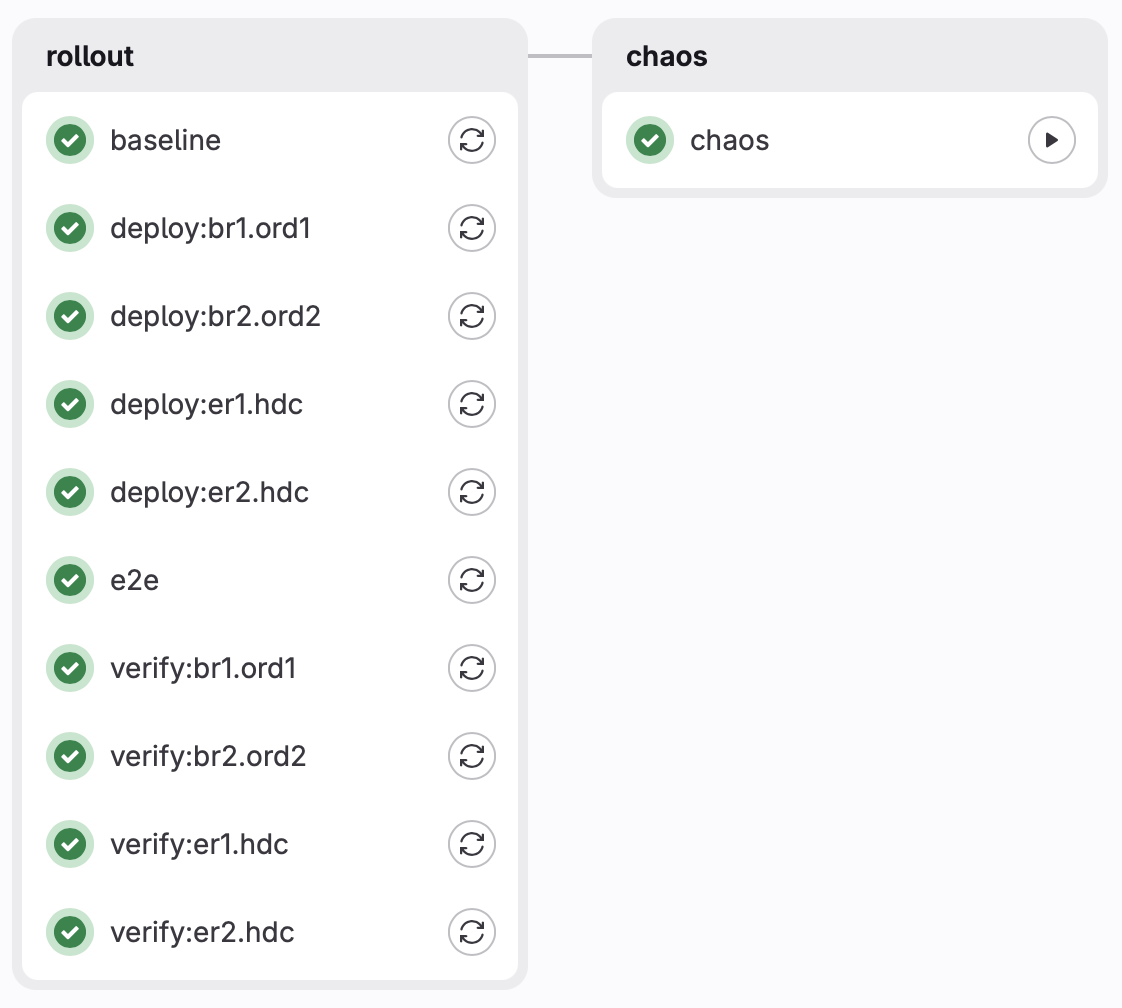
From zero to NetDevOps with GitLab and RouterOS
In an adjacent post to the “My own piece of the Internet” series, I realized this NetDevOps thing was WAY more interesting and deserves its own write up in advance. I’m bringing the current state into the fold here, even if the order of operations for the posts gets messed up. So for this, I’ll walk through the benefits of NetDevOps, how I’ve deployed it internally, and what sharp edges I got cut with. ...
My own piece of the Internet: Part 4
At the end of Part 3 I had a working fabric, with the v4 prefix in the global table, failover tested, packets arriving over both ISPs. And one lingering design flaw that I knew about and had been ignoring: my house was originating 100% of the announcements. What actually happens when the house goes dark Let’s follow the chain: The ERs originate the /24 into iBGP, the BRs learn it from them and pass it to their upstreams. The announcement exists because home says it exists. ...
My own piece of the Internet: Part 3
Part 2 was all theory and whiteboard. Two border routers in two VPS providers, two edge routers at home, WireGuard between all of them, OSPF for liveness, iBGP to carry the prefix. Nice boxes, nice arrows (but i have a bone to pick with you Mermaid…) Now let’s actually start building the thing! “the diagram makes sense” and “packets are arriving” turned out to be full of small, stupid, extremely time-consuming problems. ...
My own piece of the Internet: Part 2
At the end of Part 1 I had an ASN, a /24, and absolutely no way to use either one, which made me happy and sad at the same time. A prefix is only useful in the global Internet when some other network accepts it from you and passes it on, but until that happens you just own a number. Comcast over cable was never going to be that provider, so I needed to find someone else who would run BGP with a guy whose infra lives next to the laundry sink and sump pump. ...
My own piece of the Internet: Part 1
I’ve wanted my own Internet address space for a long time. Not “my ISP gave me some statics” space which I’ve had for well over a decade now, but a block that belongs to me, announced into the global routing table by equipment I own, and ideally sitting in the rack in my house. Type the prefix into bgp.tools and see my own ASN sitting there as the origin. How cool! (ok, cool for some, but not most) ...
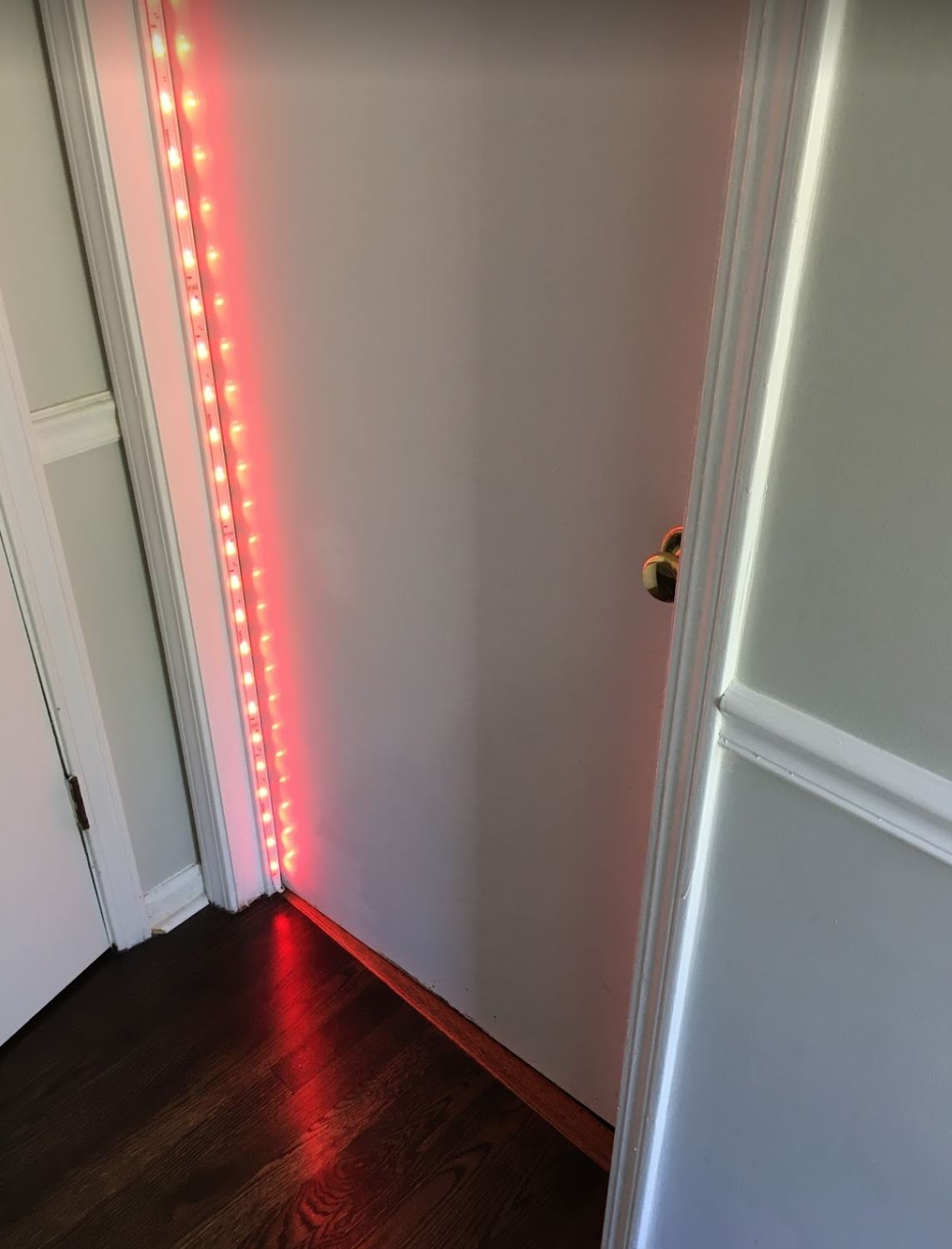
"On a Call" light notification for the new COVID-19 world
I am fortunate to have the opportunity to continue working from home during the pandemic. As myself and my family adapt to a new normal in a new working space at home, a way of notifying them when I’m on a call would prove useful. So if you own a Plantronics (now Poly) headset, and have a Philips Hue Bridge with a light, I’ll explain how to build a little one-line script and have it light up when on a call. I love Plantronics (umm… Poly) stuff!!! ...
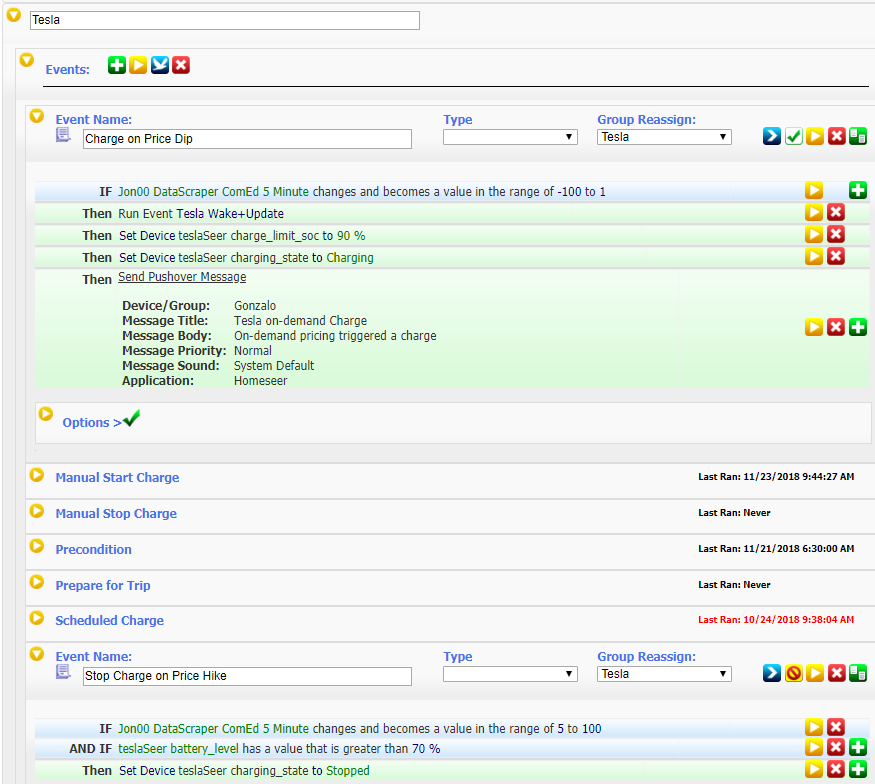
Tesla, Smart Meters and Automation via APIs
A couple of months ago I took delivery on my Tesla Model 3 “Speedy”. In the time between placing the order and actually getting the car, aside from being beyond excited, I took a bit of time to learn about the car’s always-connected API and how to use it, and also signed up for off-peak billing from my local utility ComEd. Then I decided to take things to a new level by combining two API’s and making some triggers for charging, so this is the whole point of my post. ...
Hooking up Twilio SIP to Skype for Business
If you’ve never heard of Twilio before, you’d be surprised to learn that they are the largest backend for services around automated calling services, text messaging (and verification), and are pioneering Software Defined Telephony by use of APIs to route and handle texts/calls/faxes. Is your Uber driver calling you now? That’s Twilio… Got a text from Netflix for a password reset? Yup, that’s Twilio… PagerDuty sending you a SMS alert? You guessed it! ...
LS Data MCU events 41025 and 41026 starting in May-June?
If running Lync Server 2010, Lync Server 2013 or Skype for Business Server 2015, and started noticing these in your Lync Server event log sometime between May and June of 2017, while at the same time people can’t share PowerPoints or do Whiteboards / Q&A… Then you’ve fallen victim of a known issue with the May 2017 .NET Framework Security and Quality Rollup affecting the Web Conferencing Service. Luckily, Microsoft detailed two workarounds, one involves getting a new Edge Internal cert, and another involved a registry change. Here’s the details: ...